
Clone all GitHub repositories in an organization
For reviewing easily all the Qualifyze code, I wanted to clone all the GitHub repositories in the Qualifyze organization. Easy task, worthy to share.
Requirements
- GitHub Personal Access Token that you can get from https://github.com/settings/tokens (click on “generate a new one” and check all the “repo” and “user” permission scopes)
- jq (https://stedolan.github.io/jq/) is a lightweight and flexible command-line JSON processor that you can install via homebrew easily using
brew install jq - and a Terminal
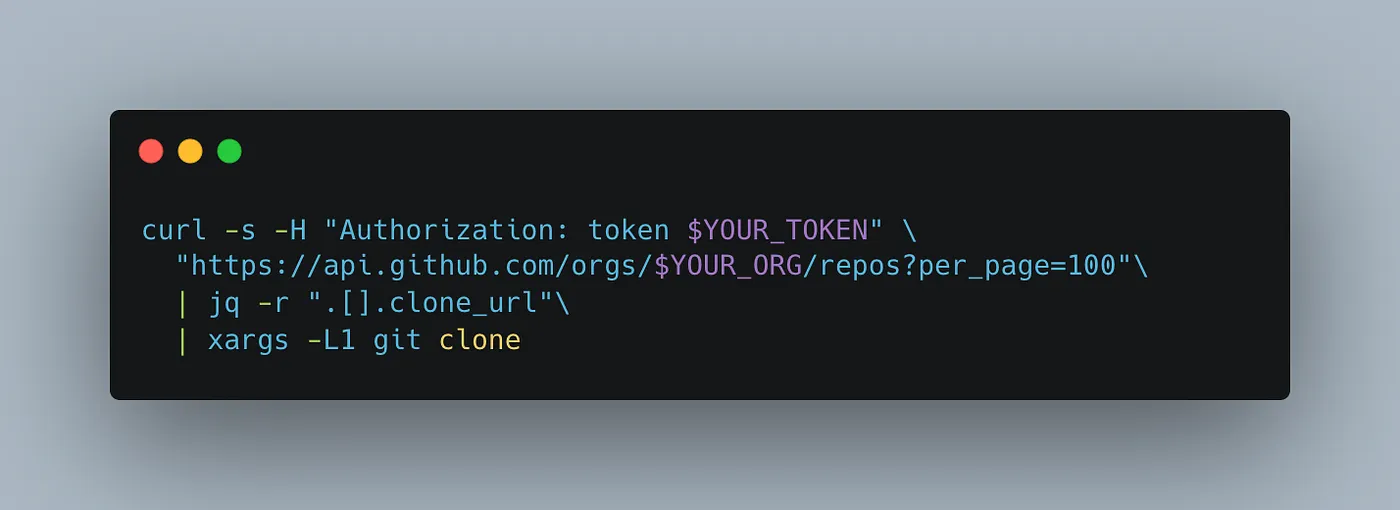
Once you are in the folder you want to clone all the repositories (one new subfolder per repository) just type:
curl -s -H "Authorization: token $YOUR_TOKEN" \
  "https://api.github.com/orgs/$YOUR_ORG/repos?per_page=100" \
  | jq -r ".[].clone_url" \
  | xargs -L1 git clone
Originally published on Medium.